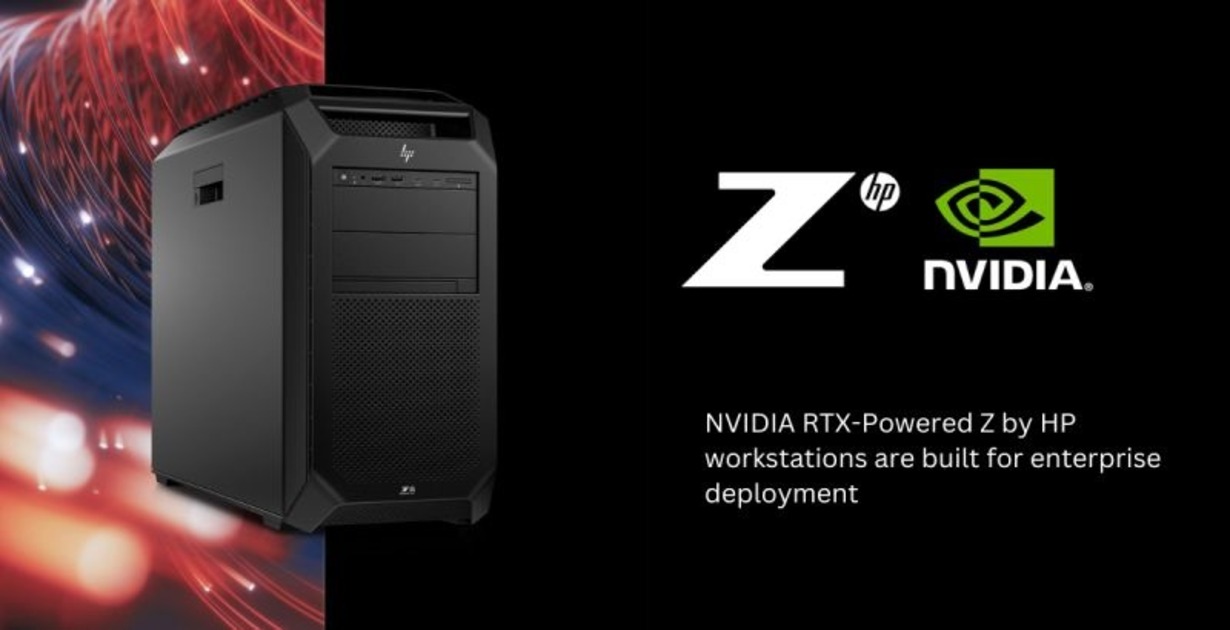
When your models grow past the “toy” phase and you’re looking at hundreds of billions of parameters, “Entry-Level” workstations stop making sense. You need bandwidth, VRAM density, and extreme thermal headroom. Enter the HP Z8 family: the heavyweight champions of local AI development.
The Flagship: Z8 Fury G5 (The 4-GPU Monster)
For AI developers, the Z8 Fury is the gold standard. While standard workstations might limit you to one or two GPUs, the Fury is built for GPU density.
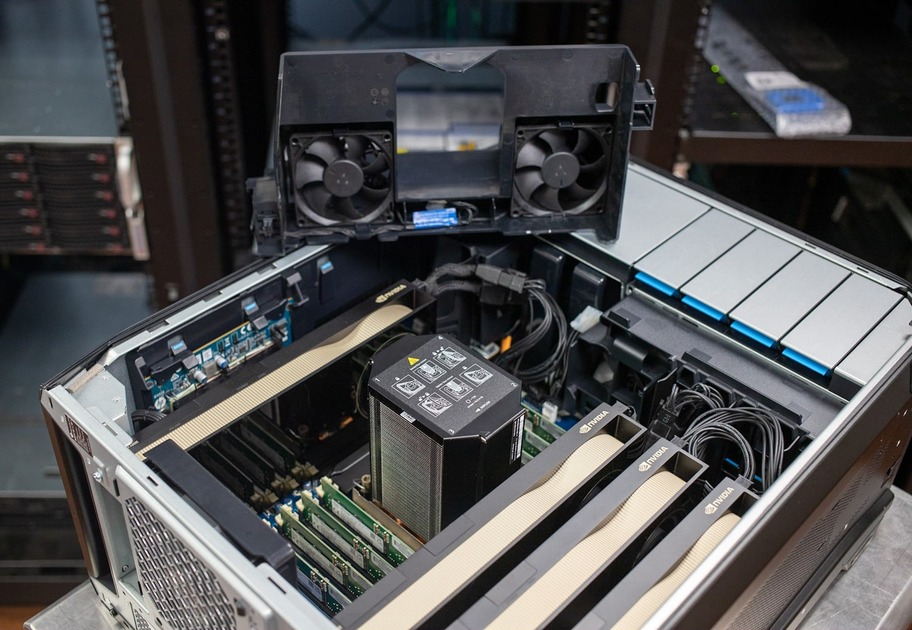
Four-GPU Support: You can pack up to four NVIDIA RTX™ PRO 6000 Blackwell GPUs into this chassis. In 2026, that gives you a staggering amount of VRAM for training local LLMs or running massive parallel simulations.
Power for Days: With a 2,250wt aggregated power supply, you can run all four GPUs at full tilt without worrying about tripping a breaker or throttling.
The Dual-Socket Workhorse: Z8 G5
While the Fury is about GPU density, the standard Z8 G5 is about raw CPU-heavy compute and memory.
Dual Intel Xeon Gold/Platinum: Support for up to 64 cores across two CPUs. This is ideal if your AI pipeline involves heavy data pre-processing, massive ETL (Extract, Transform, Load) tasks, or complex physics simulations alongside your ML models.
1TB+ DDR5 RAM: If you are working with massive datasets that need to live in system memory for fast access, the dual-socket Z8 remains the choice for capacity.
Single-Socket Xeon W: Unlike the dual-socket Z8, the Fury uses a single Intel Xeon W9 (up to 60 cores). This architecture is preferred by many devs because it avoids the “NUMA” (Non-Uniform Memory Access) issues that can sometimes slow down GPU-to-CPU data transfers in dual-socket systems.
“Boundless space, zero compromises.
The HP Z8 Fury G5 redefines scale with up to 136TB of internal storage—engineered for those whose projects know no limits.”
The Verdict: Which one do you need?
If your work is primarily data analytics, computer vision, or CPU-bound simulation, the Z8 G5 is your tool.
However, if you are building, fine-tuning, or hosting Large Language Models (LLMs) and need the absolute maximum VRAM and TFLOPS available on a desk, the Z8 Fury is the only choice.
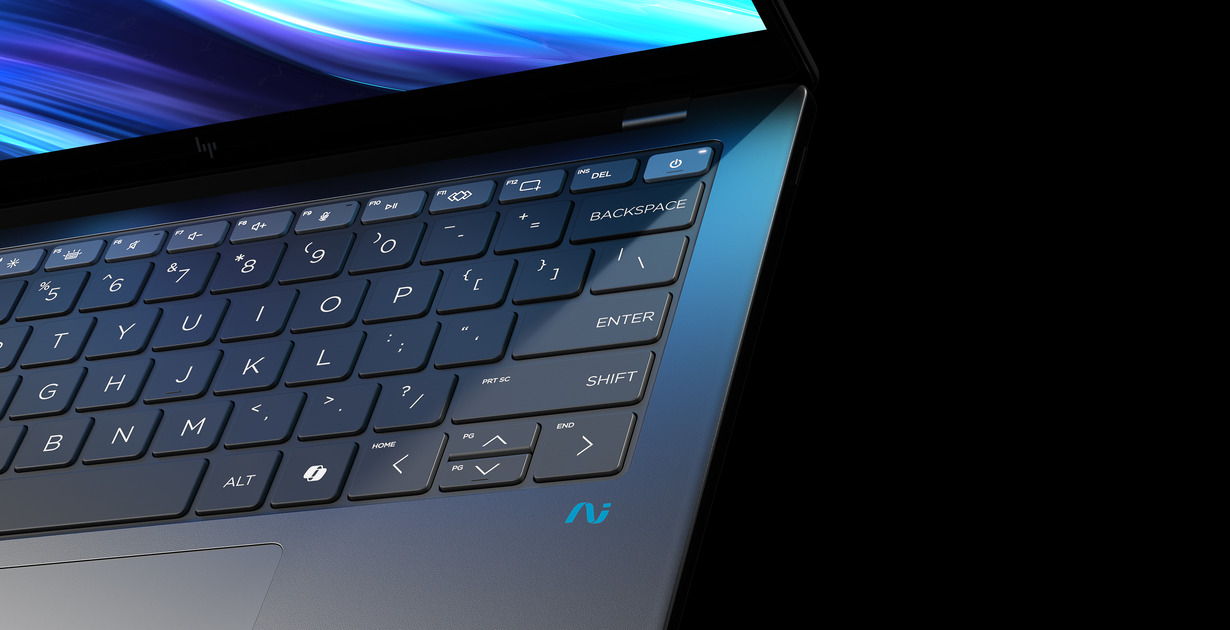
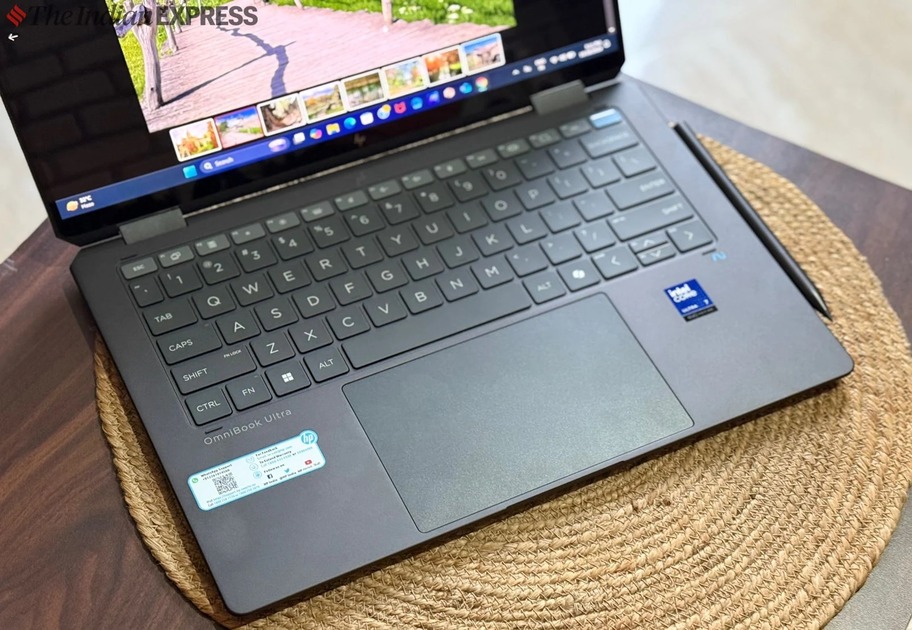
The Hook: For years, the Spectre x360 was the gold standard for convertibles. Now, HP has evolved. The OmniBook Ultra Flip isn’t just a rebrand; it’s a total reimagining of the 2-in-1 for the generative AI age.
The Narrative: “Omni” means all, and “Ultra” means power. We’re looking at a machine that flips from a coding powerhouse to a creative canvas in seconds.
Under the Hood: The Lunar Lake Revolution
Focus on the Intel® Core™ Ultra (Series 2). This isn’t your average CPU update.
The AI Engine: * Highlight the 48 TOPS NPU.
Developer Angle: Explain how the on-package memory (up to 32GB) reduces data travel distance, making local LLM inference snappier than ever.
Cool Factor: It’s a “Copilot+ PC,” meaning it’s built to handle Windows’ next-gen AI features natively, not just in the cloud.
The Hardware: Modernist Masterpiece
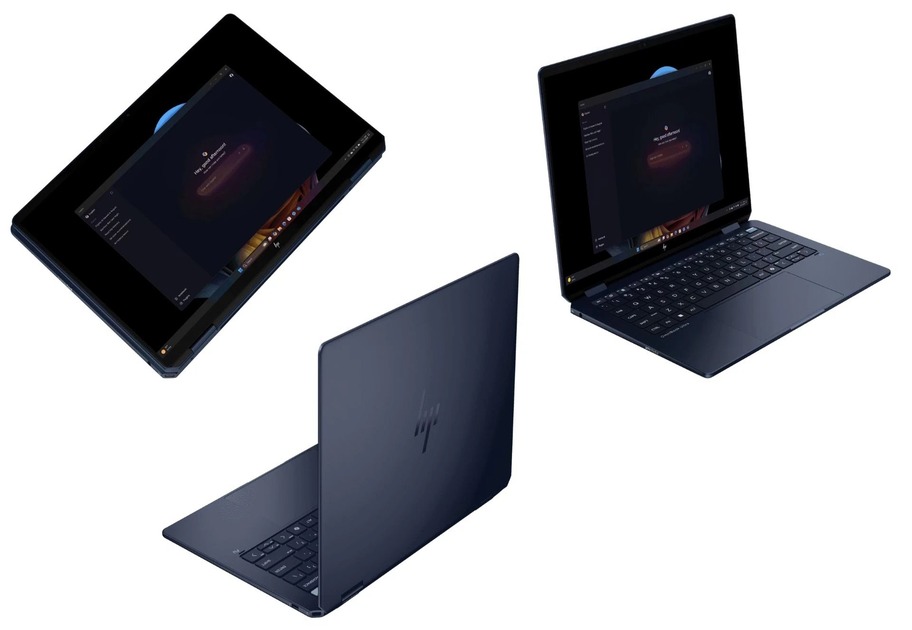
The Chassis: Atmospheric Blue aluminum that’s both fingerprint-resistant and professional.
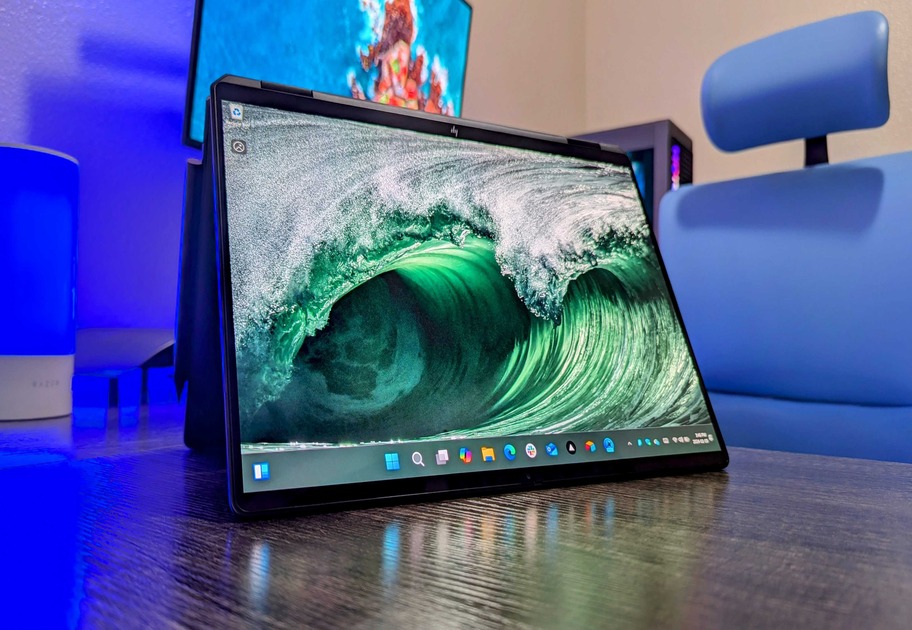
The Flip: The 360-degree hinge.
Laptop Mode: For the heavy lifting.
Tent Mode: Perfect for AI-assisted presentations.
Tablet Mode: For sketching with the rechargeable tilt pen.
The Haptic Trackpad: Mention the glass trackpad that uses vibration to simulate clicks—customizable and incredibly satisfying.
The “Work from Anywhere” Suite
9MP AI Camera: This is industry-leading. Talk about the Poly Studio tuning and how AI keeps you centered and lit even in a dim café.
Battery Life: Mention the leap in efficiency—Lunar Lake allows for nearly a full day of “real-world” AI workloads.
Connectivity:Wi-Fi 7 support. If you’re building in the cloud but working locally, your pipe is as fast as it gets.
The Verdict: Who is this for?
The AI Developer: Who needs a portable machine to test local models and write code without being chained to a workstation.
The Creative Lead: Who wants the best-looking screen (OLED) and the versatility of a tablet for markups.
Final Quote:“The Ultra Flip is a 360-degree solution to a world that no longer works in a straight line.”
In 2026, stopping cyber threats requires adopting a Zero Trust architecture, deploying AI-powered threat detection, and securing identity across all devices and networks. Cybercriminals now use autonomous tools and deepfake tactics, so proactive, adaptive defense is essential.
Adopt a Zero Trust Security Model
No implicit trust: Every user, device, and app must be verified continuously. Isolate systems to prevent lateral movement during breaches. Least privilege access: Users get only the access they need, nothing more.
AI models spot unusual behavior faster than traditional antivirus. Predictive analytics: Machine learning anticipates attack patterns before they strike.
Autonomous response systems: AI can quarantine infected devices or block malicious traffic instantly.
Deepfake detection tools:Essential for verifying video/audio authenticity in communications. Synthetic identity monitoring: AI- generated fake profiles are harder to spot without specialized tools.
Use defensive AI to counter offensive AI used by cybercriminals.
Unified endpoint management (UEM): Centralized control over all devices, including BYOD.
Data loss prevention (DLP): Monitor and block unauthorized data transfers.
Incident automation: Predefined playbooks triggered by AI alerts.
Build Cyber Resilience
Incident response automation: Predefined playbooks triggered by AI alerts.Cyber insurance: More firms require coverage to mitigate financial impact.Continuous training: Employees must be trained to spot phishing and social engineering attacks.
Risks to Watch
AI misuse by attackers: Offensive AI tools are now widely available.Human error: Still the #1 cause of breaches training is critical.Overreliance on automation: AI must be supervised to avoid false positives or missed threats