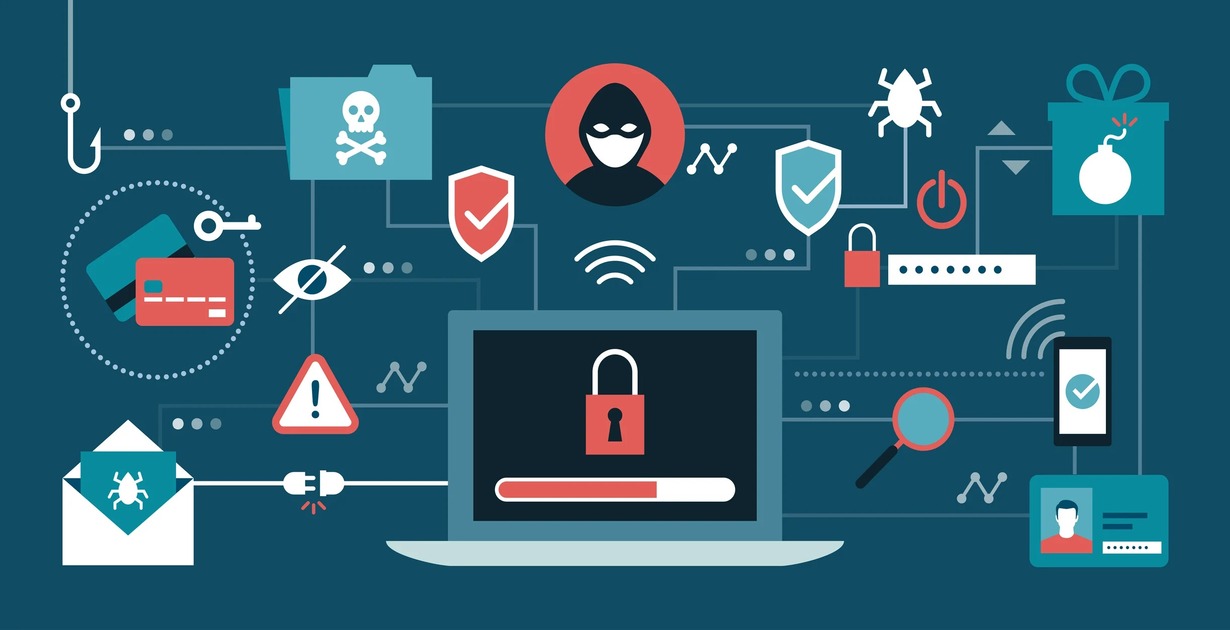
In 2026, stopping cyber threats requires adopting a Zero Trust architecture, deploying AI-powered threat detection, and securing identity across all devices and networks. Cybercriminals now use autonomous tools and deepfake tactics, so proactive, adaptive defense is essential.
Adopt a Zero Trust Security Model
No implicit trust: Every user, device, and app must be verified continuously. Isolate systems to prevent lateral movement during breaches. Least privilege access: Users get only the access they need, nothing more.
AI models spot unusual behavior faster than traditional antivirus. Predictive analytics: Machine learning anticipates attack patterns before they strike.
Autonomous response systems: AI can quarantine infected devices or block malicious traffic instantly.
Deepfake detection tools:Essential for verifying video/audio authenticity in communications. Synthetic identity monitoring: AI- generated fake profiles are harder to spot without specialized tools.
Use defensive AI to counter offensive AI used by cybercriminals.
Unified endpoint management (UEM): Centralized control over all devices, including BYOD.
Data loss prevention (DLP): Monitor and block unauthorized data transfers.
Incident automation: Predefined playbooks triggered by AI alerts.
Build Cyber Resilience
Incident response automation: Predefined playbooks triggered by AI alerts.Cyber insurance: More firms require coverage to mitigate financial impact.Continuous training: Employees must be trained to spot phishing and social engineering attacks.
Risks to Watch
AI misuse by attackers: Offensive AI tools are now widely available.Human error: Still the #1 cause of breaches training is critical.Overreliance on automation: AI must be supervised to avoid false positives or missed threats
If you own a traditional inkjet printer, you know the “dread.” It’s 9:00 PM, you have a 20-page report due tomorrow, and your printer flashes that blinking orange light: Low Ink.
In this guide, we break down the pros, cons, and the “math” behind HP’s ink tank technology to help you decide if it’s time to upgrade your home office setup.
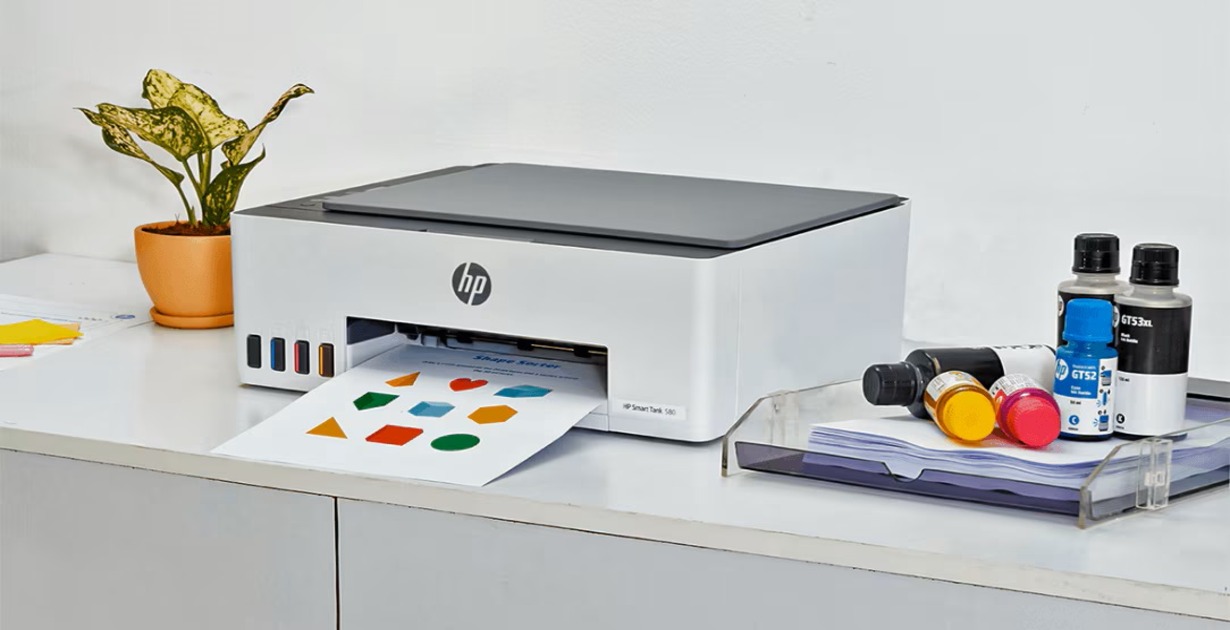
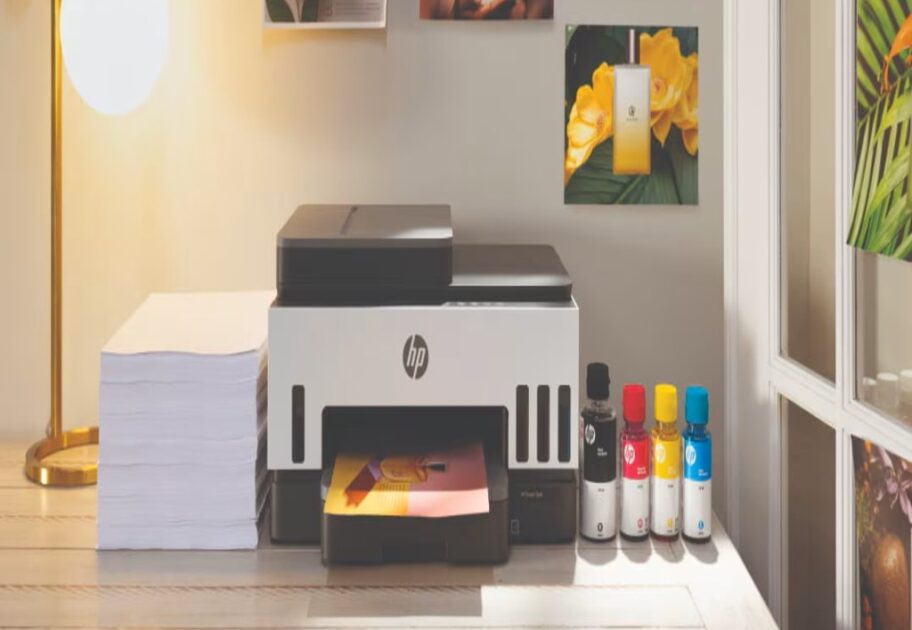
How is it Different from a Regular Printer? Most printers use tiny cartridges that hold about 2ml to 10ml of ink. The HP Smart Tank uses an integrated reservoir system.
No Cartridges: You buy bottles of ink and pour them into tanks on the side of the printer.
Massive Yield: One set of bottles often lasts for 6,000 to 8,000 pages. Compare that to a standard cartridge that might get you 200 pages.
Visual Ink Levels: No more guessing. You can physically see the ink level through the clear windows on the front.
The Cost Analysis
– The “Ink Math” Let’s talk money. This is where the Smart Tank wins.
Traditional Printer: You might pay less for the printer, but for a set of cartridges every few months. Over two years, you could spend 4 times just on ink.
HP Smart Tank: You pay more upfront , but the ink included in the box can last up to two years.
Cost Per Page: A standard black-and-white print on a cartridge printer costs roughly 10 – 20 RS. On an HP Smart Tank, it costs less than 1 paisa. If you print more than 5 pages a week, the Smart Tank pays for itself in under a year.
Key Features We Love
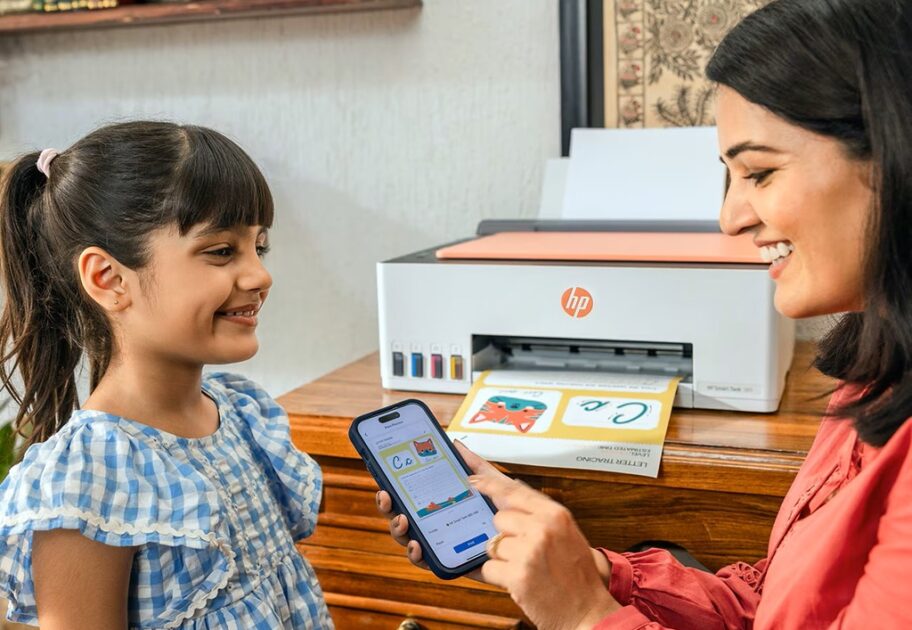
HP Smart App: HP’s app is arguably the best in the business. It allows you to scan documents directly to your phone or cloud storage (Google Drive/Dropbox) effortlessly.
Self-Healing Wi-Fi: Connection drops are the #1 printer complaint. The 6000 and 7000 series automatically detect connection issues and attempt to reconnect without you needing to restart your router.
Eco-Friendly: By eliminating disposable plastic cartridges, you are significantly reducing plastic waste.
For Students & Light Use:HP Smart Tank 5000 Series (e.g., 5101). It’s compact, affordable, and covers the basics (Print, Scan, Copy).
For Home Offices & Families:HP Smart Tank 7000 Series (e.g., 7301). This is the power user upgrade.
It adds Auto-Duplex (two-sided) printing—a lifesaver for saving paper—and holds more paper in the tray.
(Conclusion) The HP Smart Tank series isn’t just a printer; it’s a peace-of-mind purchase. Yes, the initial price is higher, but the freedom of printing thousands of pages without “ink anxiety” is a game-changer. If you are tired of the cartridge cycle, 2025 is the year to make the switch.